 Tangyuan
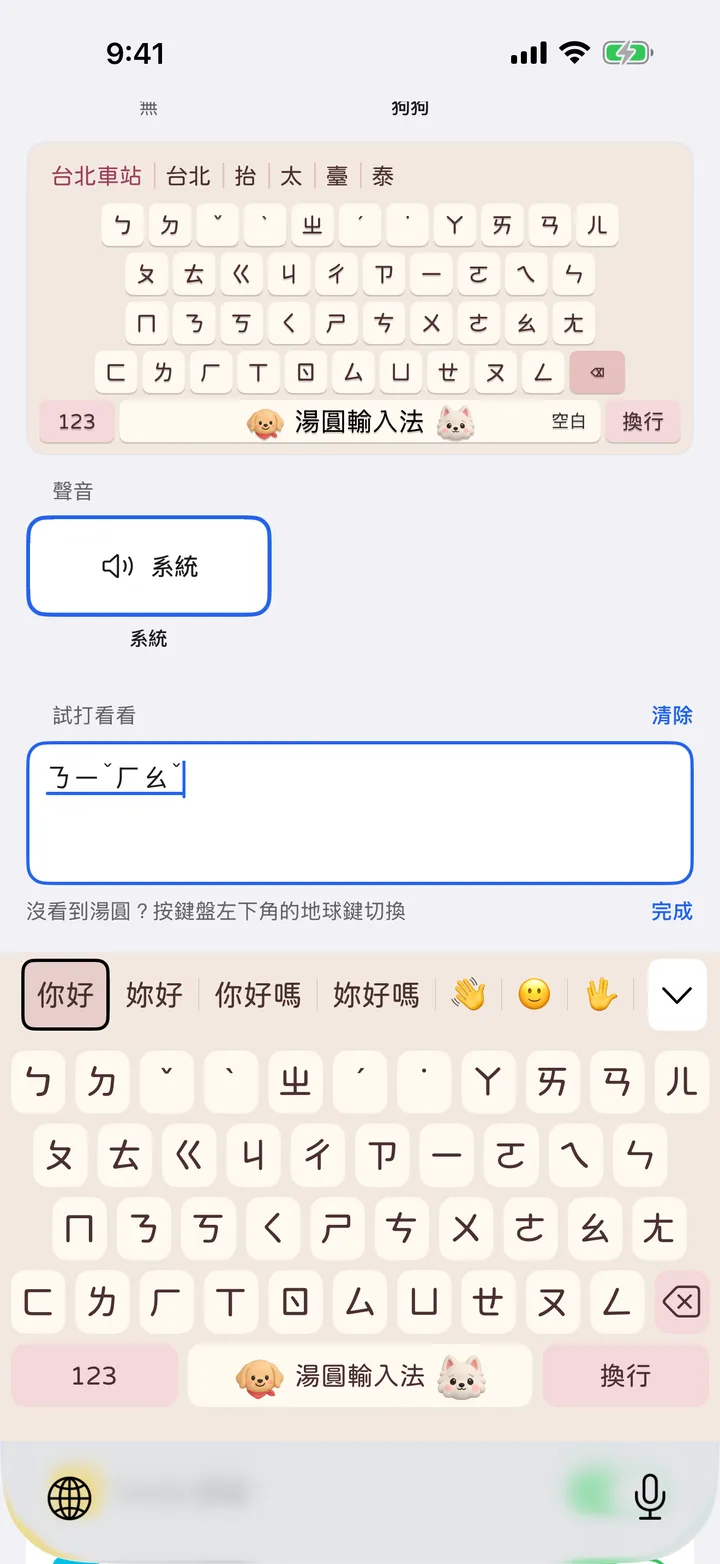
Type only the first symbol of each character
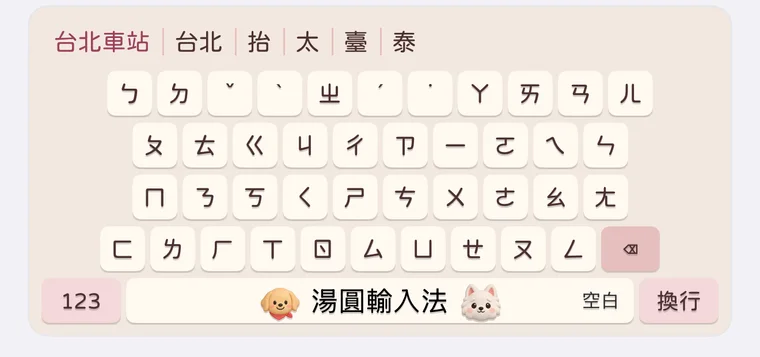
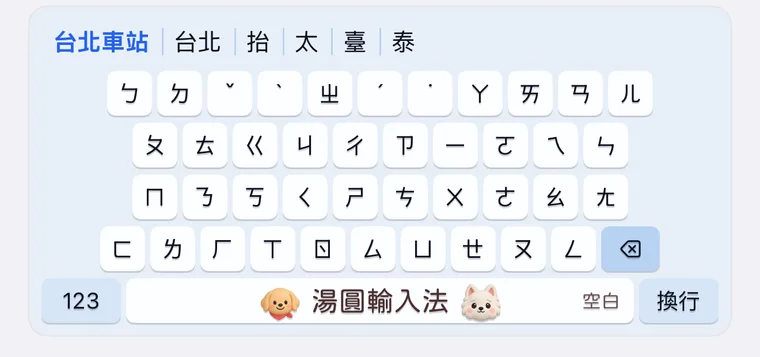
Type ㄋㄏ and 你好 shows up in the candidates. Type ㄊㄅㄔㄓ and you get 台北車站.
Common words don't need every sound, so you press fewer keys.
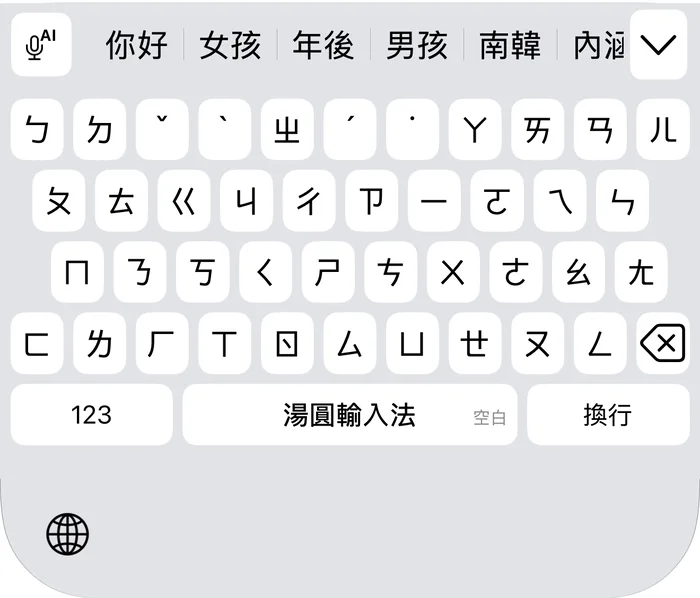
Too lazy to type? Just talk.
Tap the microphone at the top left of the keyboard and speak. When you're done, tap the ◀ at the top left of the screen to go back to the app you were in. Your words are already there.
Recognition runs on your phone and the recording isn't uploaded. The first time, turn on Allow Full Access in iPhone Settings; the steps are on the support page.
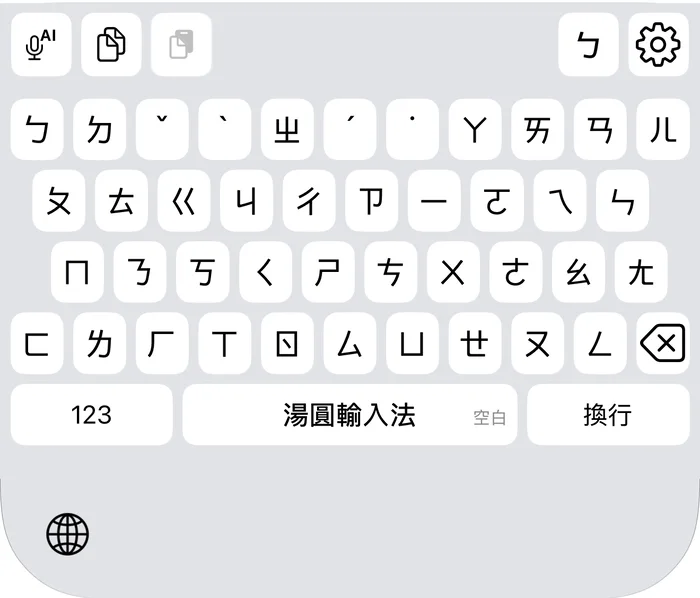
Type 哈哈 and they laugh
Jinjin is the golden one, Yeye is the white one. They stay on your space bar.
Type 晚安 and they close their eyes. 開心 and 生氣 get their own faces too.






Three looks. Pick the one you like.
Classic has white keys, Cute leans pink, Tech leans blue. All three are free.
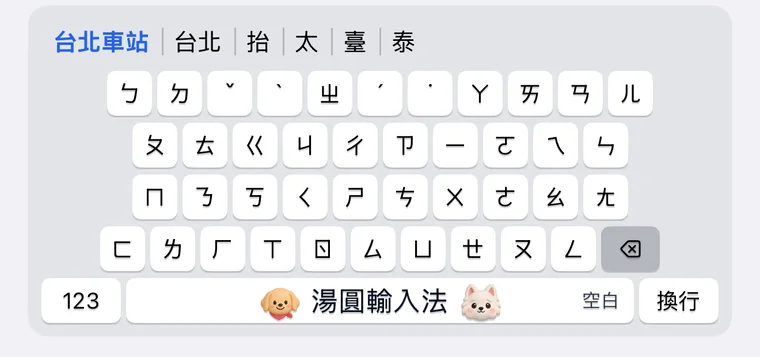
We can't see what you type
What you type stays on your phone and we don't collect it. No account to make, and it works without a connection.
Read the privacy policy